
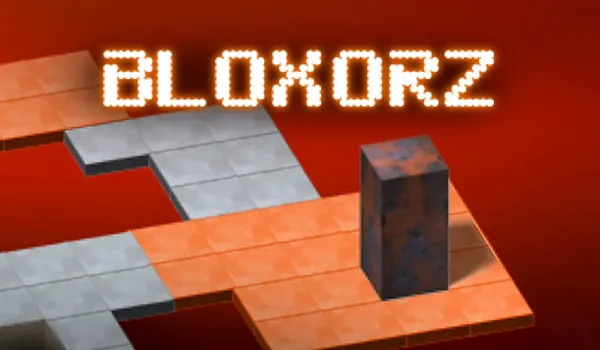






















Guide a rectangular block through grid-based puzzles by rolling it end over end to the exit.
What is Bloxorz 2?
Bloxorz 2 is a puzzle game where you control a block that takes up two cells when flat and one cell when upright. The objective is to navigate it across a platform and reach the exit tile. Every move flips the block, so you need to think ahead to avoid falling off the grid.
Levels grow more complex as you go, introducing special tiles that open bridges or require precise positioning. It’s a logic-heavy test of spatial awareness that rewards planning over speed.
How to Play Bloxorz 2
Use the arrow keys to roll the block. When flat, it moves two squares per key press. When upright, it moves one square. The exit tile must be reached with the block in the right orientation.
Polygon tiles open bridges when touched. X-shaped tiles need the block to stand upright on them. The bridge stays open, so tile order matters. Levels have no timer or lives-you can restart as often as needed.
Tips and Tricks for Bloxorz 2
Plan your route backward Identify the exit and any X-tiles first, then figure out the move order from the finish.
Use upright mode for tight spaces Standing only occupies one cell, which helps squeeze through narrow paths.
Game Controls
| Action | Controls |
|---|---|
| Move / Roll | Arrow Keys |
Frequently Asked Questions
Can I play Bloxorz 2 unblocked?
Yes. The browser version runs on any device and requires no download, so unblocked access depends on your school or workplace network.
How do I control the block in Bloxorz 2?
Use the arrow keys. Each press rolls the block one step. The block’s orientation changes with every move.
What makes Bloxorz 2 different from the first game?
Levels are larger and more complex, with tighter paths and more intricate tile combinations that demand careful route planning.
Is there a time limit?
No. You can take as long as you need on each puzzle. There’s no penalty for restarting.