




















Gacha Life 3
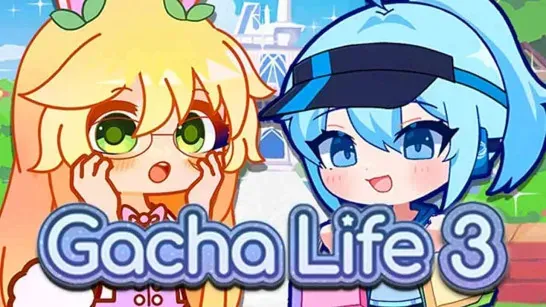
Gacha Life 3 is a casual character creator focused on anime-style customization and storytelling. You can design individual avatars, prepare a cast, and arrange characters for original scenes.
Create and customize characters
The editor lets you change facial features, expressions, eyes, hairstyles, clothing, trousers, hats, accessories, poses, toys, and props. Color and animation sliders provide further adjustments, while character slots let you save and manage multiple designs.
Start with the character’s face, hair, and main outfit so the overall design is clear before adding hats, accessories, toys, or props. Expressions and poses can then match the mood or action you want to show. Static and animated poses are available, with on-screen controls for playing, pausing, and moving through animations.
Build story scenes
The scene tools support dialogue, choices, and story routes. You can arrange characters, choose backgrounds, add music, and apply effects such as rain or snow. Different expressions can be assigned during conversations, and quick-save, load, and log tools help manage story progress.
Export and import codes are available for sharing creations or opening stories made by other players. If you are building a longer scenario, keep recurring characters in separate slots and save before changing dialogue routes or major scene details.
Game controls
| Action | Control |
|---|---|
| Select menus, characters, outfits, poses, and dialogue options | Left mouse button |
| Adjust sliders or arrange scene elements | Click and drag |
| Change editor sections or control animations | On-screen buttons |