
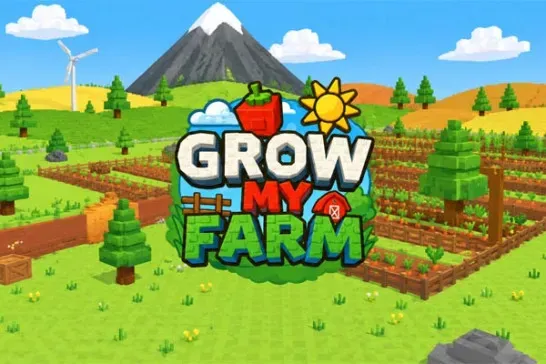









Grow My Farm puts you in charge of a farming business. Plant seeds, water them, wait for the crops to grow, then harvest and sell your produce at the store. The money you earn goes straight back into buying more seeds and expanding what you can grow. The loop is straightforward, but keeping the cycle moving efficiently is the real challenge.
How to Play Grow My Farm
Movement uses WASD or the arrow keys. Switch between items with the number keys, then left-click to use whatever you’re holding. Watering, planting, and harvesting all run through that same click action, so getting comfortable with the number-key shortcuts speeds up every step of the cycle.
Because Grow My Farm is multiplayer, you’re sharing the farm with other players online. Coordinating who plants and who harvests can keep the operation running faster than working every step yourself.
Sell your harvest as soon as it’s ready. Sitting on produce doesn’t earn you anything, and reinvesting earnings into seeds is the only way to scale up the farm.
Game Controls
| Action | Controls |
|---|---|
| Move | WASD or Arrow Keys |
| Select item | Number keys |
| Use item | Left click |
What to Play Next
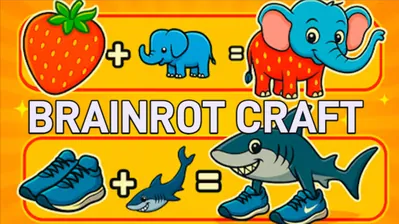
If you want a resource loop with a different flavor, My Singing Brainrot replaces the grow-and-sell cycle with hatching meme animals and building musical combos to earn coins. Steal Brainrots shifts the multiplayer dynamic entirely: instead of cooperating on a farm, you’re raiding rivals and defending your own tycoon base. For something more creative and low-pressure, Brainrot Craft lets you merge absurd meme elements without any harvest timer pushing you forward.