









Puffer Party turns a category prompt into a multiplayer hot-potato race. When the puffer reaches you, read the prompt, type an unused answer that fits, and send it before the fuse runs out. A valid answer passes the puffer on. Let the timer expire and you lose a heart. Lose all your hearts and you spectate until the next game. The last player still floating wins.
How to Play Puffer Party
Join a public table for a quick casual game or create a private room and share the four-letter code with friends. Private rooms support 2 to 16 players and let the host adjust settings before each game. Public casual tables offer 1v1, three-player, four-to-six-player, and eight-to-ten-player options. If the casual queue is quiet, computer opponents can fill empty seats after about four seconds.
The puffer starts with a fuse of 10 to 30 seconds. That fuse keeps running as it passes around the table; it does not reset on each turn. Each holder gets a minimum turn allowance of eight seconds by default. A category normally lasts 60 seconds and also ends when all its answers have been used.
Accepted answers earn points based on their rarity in the question bank. Under default settings, players start with two hearts, can hold up to five, and earn an extra heart for every 600-point milestone. Rarer answers score more, but a safe familiar answer is better than losing a heart while chasing points.
The current question bank contains 88 categories and 3,533 accepted answers, including common spelling aliases. If an answer you expect to work is rejected, use the “Missing answer?” report rather than resubmitting it.
Tips and Tricks for Puffer Party
Keep a backup answer ready Before you send your first choice, have a second answer in mind. Your first pick can disappear while someone else is holding the puffer.
Watch the used-answer list Answers already submitted in the round are invalid. Check the list before committing a word you heard another player use.
Prepare during other players’ turns Categories are shared across the table. Use the time while someone else holds the puffer to think of alternatives, especially in larger rooms where familiar answers vanish quickly.
Check room settings before starting The host can set 1 to 10 starting hearts, a heart cap up to ten, bonus heart thresholds from 50 to 5,000 points, a minimum turn of 3 to 15 seconds, and a category timer of 30 to 120 seconds. Do not assume every game uses the defaults.
Use practice tables to learn the question bank Warm-up Reef uses everyday topics with relaxed computer opponents. Deep Dive uses a wider topic mix with quicker opponents. Both are available without a daily limit.
Game Controls
| Action | Controls |
|---|---|
| Type an answer | Keyboard |
| Submit answer | Enter |
What to Play Next
If you like the fast-thinking pressure of Puffer Party, a few other games on aBrainrot offer their own competitive loops.
Steal Brainrots swaps the category prompt for a tycoon-style raid system where you build a meme empire, attack rivals, and defend your own base between rounds.
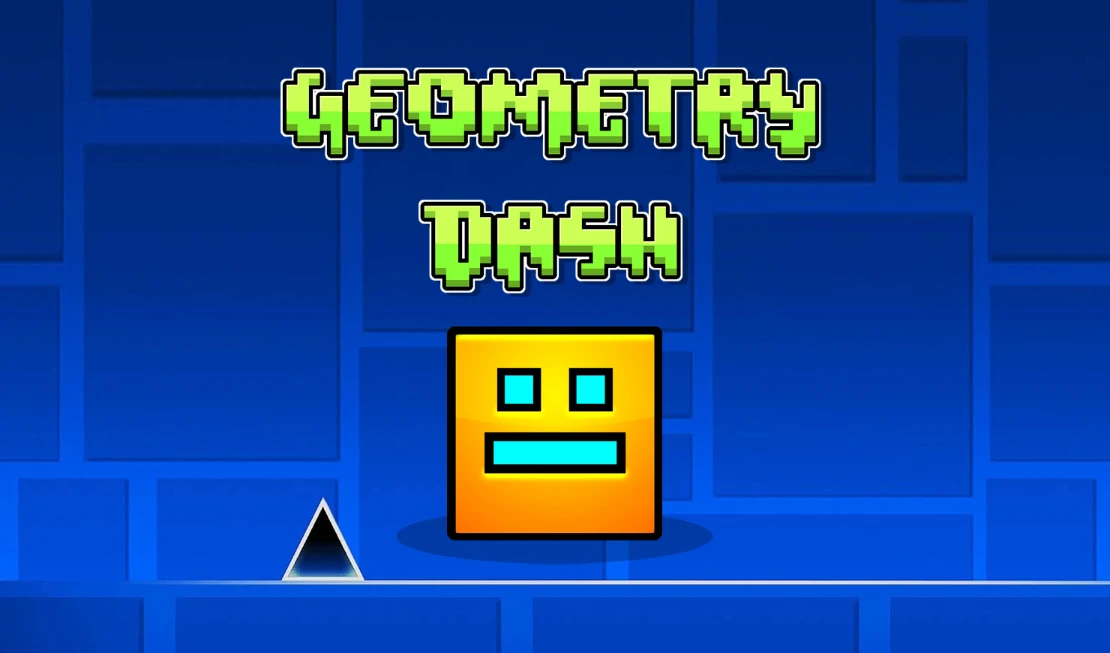
Geometry Dash keeps the timing pressure but shifts it to a solo obstacle course synced to a beat-driven soundtrack, where a single mistimed jump resets your run from the start.
My Singing Brainrot replaces competitive elimination with a collection loop: hatch meme animals, build a singing team, and earn coins through musical combos rather than outlasting opponents.
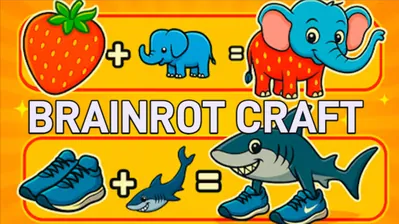
Brainrot Craft drops the timer entirely and lets you merge absurd meme elements at your own pace, making it a low-pressure contrast to Puffer Party’s hidden-fuse tension.
Frequently Asked Questions
Is Puffer Party free to play?
Yes. No download or payment is required. A guest profile saves your progress on the server automatically.
How do I start a private game with friends?
Create a private room, then share its four-letter code or invitation link. Friends join on their own devices. The host can adjust hearts, timers, and scoring before the game starts. Private rooms support 2 to 16 players.
What happens if I disconnect mid-round?
Keep the same browser tab and guest profile open. The game attempts to reconnect and restore your seat while the reconnect lease is valid. Timers continue on the server, so a connection loss does not pause the round.
Can I play alone without friends?
Yes. Choose a casual public table and computer opponents can fill empty seats after a short wait. Warm-up Reef, Daily Mix, and Deep Dive are also available as immediate practice tables at three difficulty levels.