
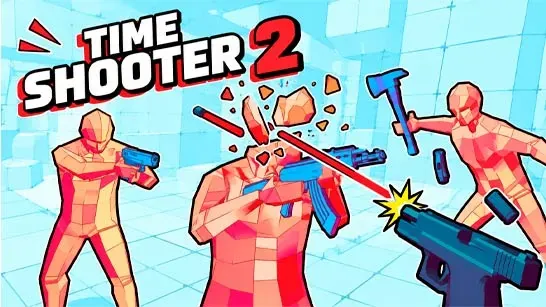








Time Shooter 2 is a 3D first-person shooter built around one rule: time moves only when you do. Stand still and everything freezes. Take a step and enemies react, bullets travel, and the fight resumes. That single mechanic turns every encounter into a tactical decision rather than a reflex test.
How to Play Time Shooter 2
Each arena puts you against armed enemies. Before moving, stop and scan. You can see where bullets are already flying, identify which enemies are carrying guns, and pick a path that avoids the worst of the incoming fire. Once you move, the world catches up, so a bad step can put you directly in front of a shot you could have avoided.
Weapons are scattered around the arena and carried by enemies. Pick up pistols, shotguns, and rifles from the ground, or close the distance to an armed enemy and take their gun before they fire. When a magazine runs dry, don’t discard the weapon: throw it at an enemy instead. Explosive cylinders placed around the arena detonate when shot, so grouping enemies near one before firing can clear several threats at once.
Ammo management matters. Save shots for enemies who are dangerous at range or too exposed to approach safely. Switching weapons when one runs out is faster than reloading into an empty fight.
Tips for Time Shooter 2
- Freeze before every room. Stopping at a doorway costs nothing and lets you count threats and spot gun carriers before committing to a direction.
- Target armed enemies first. A pistol or rifle from across the room is more dangerous than a melee threat you can sidestep.
- Use cylinders on groups. One shot into a cylinder near clustered enemies is more efficient than picking them off one by one.
- Throw empty guns. A thrown weapon deals damage and keeps you from wasting time searching for a new one mid-fight.
- Move in small steps. Short movements let you pause again quickly if the situation changes after you re-engage time.
Game Controls
| Action | Controls |
|---|---|
| Move / advance time | WASD or Arrow Keys |
| Aim | Mouse move |
| Shoot / pick up weapon | Left mouse button |
| Throw weapon | Right mouse button |
| Jump | Space |
| Reload | R |
| Switch weapons | Q |
| Interact | E |
What to Play Next
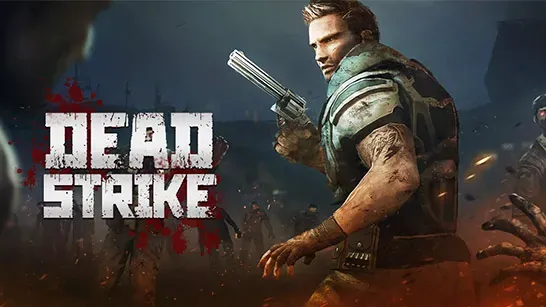
If the time-freeze mechanic appeals to you but you want a different threat type, Dead Strike keeps the pressure on with zombie waves, weapon upgrades, and grenade timing across structured missions. The loop is more upgrade-driven than arena-based.
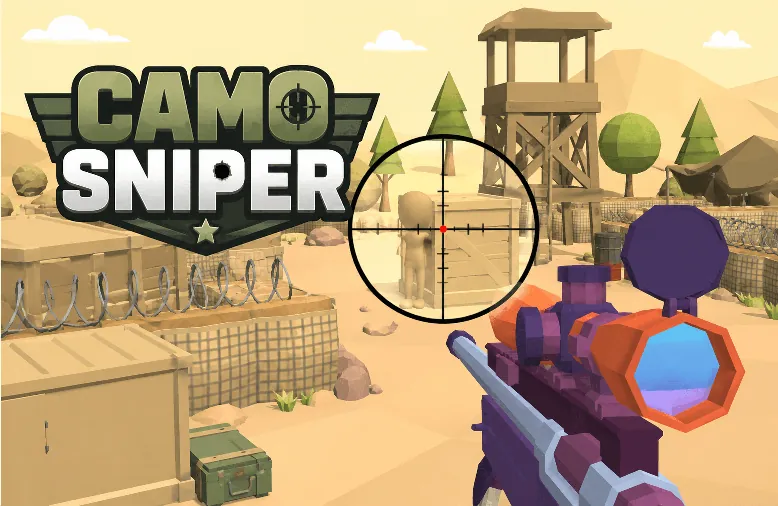
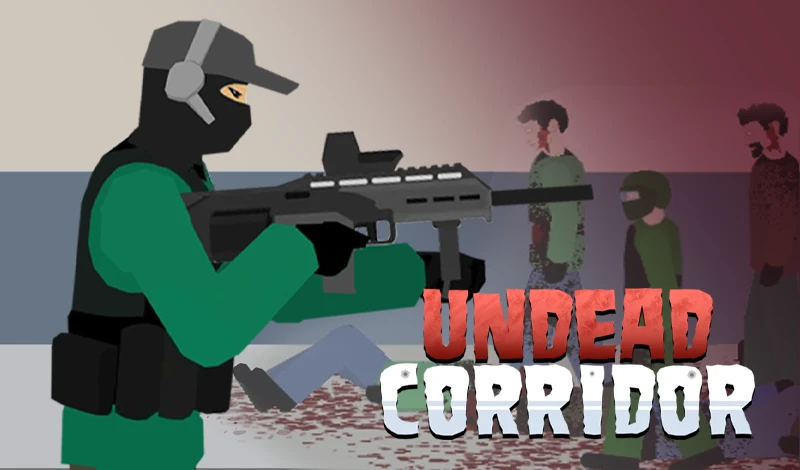
Camo Sniper shifts the pace entirely: instead of close-quarters clearing, you scan colorful maps for camouflaged targets and take precision shots from a fixed position, with no time manipulation involved.
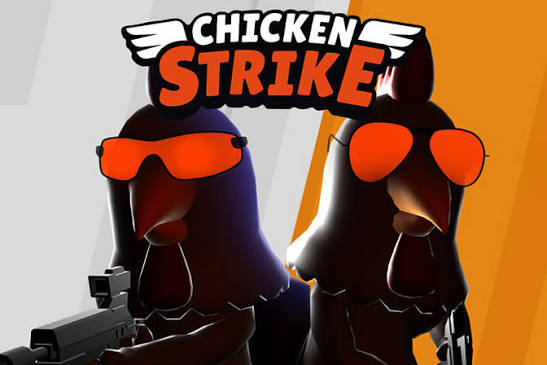
For a more chaotic shooting experience, Chicken Strike drops the tactical freeze mechanic in favor of fast third-person firefights with unlockable cosmetics and a live leaderboard.
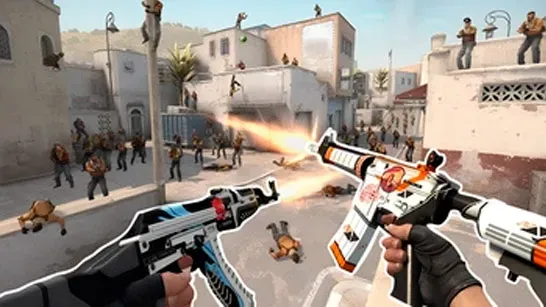
CS 1 adds round economy and team objectives to the FPS format. Recoil control and map positioning replace time manipulation as the core skill, and matches are structured around bomb and hostage scenarios.
Frequently Asked Questions
Does time actually stop completely when I stand still?
Yes. Everything in the arena freezes when you stop moving, including bullets already in flight. You can use that pause to read trajectories and reposition before re-engaging.
Can I jump in Time Shooter 2?
Yes. The spacebar makes your character jump, which can help you clear obstacles or reposition vertically during a fight.
What happens when a gun runs out of ammo?
You can throw the empty weapon at an enemy for damage, then pick up another gun from the ground or from a defeated enemy.
Is there a way to get unlimited ammo or invincibility?
One source notes that certain levels offer unlimited ammunition or invincibility in exchange for watching a brief advertisement.