
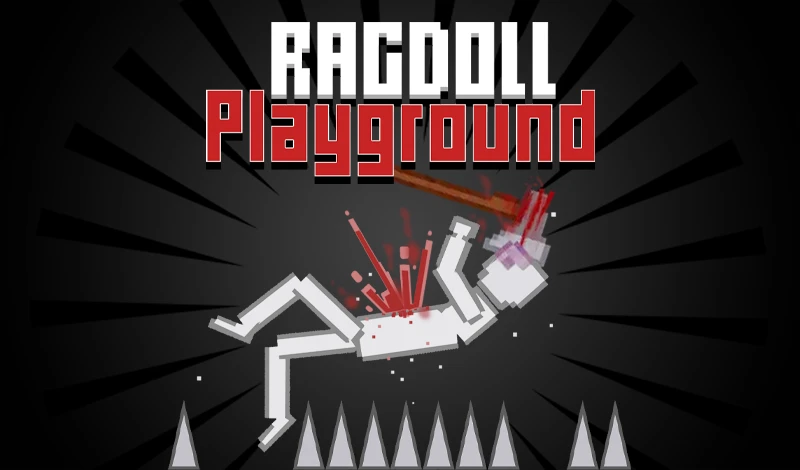



















Ragdoll Playground puts you in control of a chaotic physics sandbox where you spawn objects, trigger explosions, and watch ragdolls, melons, and vehicles fly across 13 unique maps. There are no goals, no missions - just pure experimentation.
What is Ragdoll Playground?
Ragdoll Playground is a 2D physics-based sandbox Casual game that lets you spawn a wide range of objects and see how they react in different environments. With realistic physics and gory effects, it’s a violent but hilarious playground for testing destruction, creating chain reactions, or just making things explode.
With its realistic /t/physics and limitless possibilities, every session feels like a new experiment. The game’s /t/simulation nature encourages creative setups, and the endless /t/endless sandbox allows unlimited playtime. Each map - from Abyss to Snow to Tower - offers a unique layout to explore, so you can keep finding new ways to cause chaos.
How to Play Ragdoll Playground
Start by choosing one of 13 maps. Each environment has its own layout and physics behavior. Once you’re in, open the spawn menu, pick an object (characters, weapons, vehicles, melons, etc.), click where you want it, and press Q or E to drop it. Then interact: grab objects with left mouse, rotate with A/D, activate with F, or delete with right-click or Backspace. Resize objects by scrolling the mouse wheel.
How to Spawn and Interact
- Select a map from the list.
- Open the item menu and click the object you want.
- Click on the canvas to place a ghost, then press Q or E to spawn.
- Use left mouse to drag objects, A/D to rotate, F to activate, right-click or Backspace to delete, and scroll to resize.
Tips and Tricks for Ragdoll Playground
Chain Explosives Attach multiple explosives to a single object and trigger them for massive chain reactions that send ragdolls flying.
Experiment with Gravity Different maps have different physics settings - test how objects behave in the Abyss (no ground) vs. heavy snow.
Combine Objects Spawn a vehicle and attach a melon with explosives. Watch the chaos when you activate the explosive and the melon launches.
Game Controls
| Action | Controls |
|---|---|
| Move camera | Arrow keys |
| Spawn object | Q or E |
| Activate object | F |
| Drag object | Hold left mouse |
| Rotate object | A or D |
| Delete object | Right-click or Backspace |
| Resize object | Scroll mouse wheel |
Frequently Asked Questions
Does Ragdoll Playground have missions?
No. It’s a true sandbox with no goals or objectives. You make your own fun, whether that’s building contraptions, launching melons, or setting off massive explosions.
How many maps are there?
There are 13 different maps, each with its own environment and layout. Examples include Abyss, Blocks, Small, Snow, and Tower.
Can I share my creations?
Yes. You can capture screenshots or record your best moments and share them with friends.